Helping households become more mindful of water usage.
Glow Tap
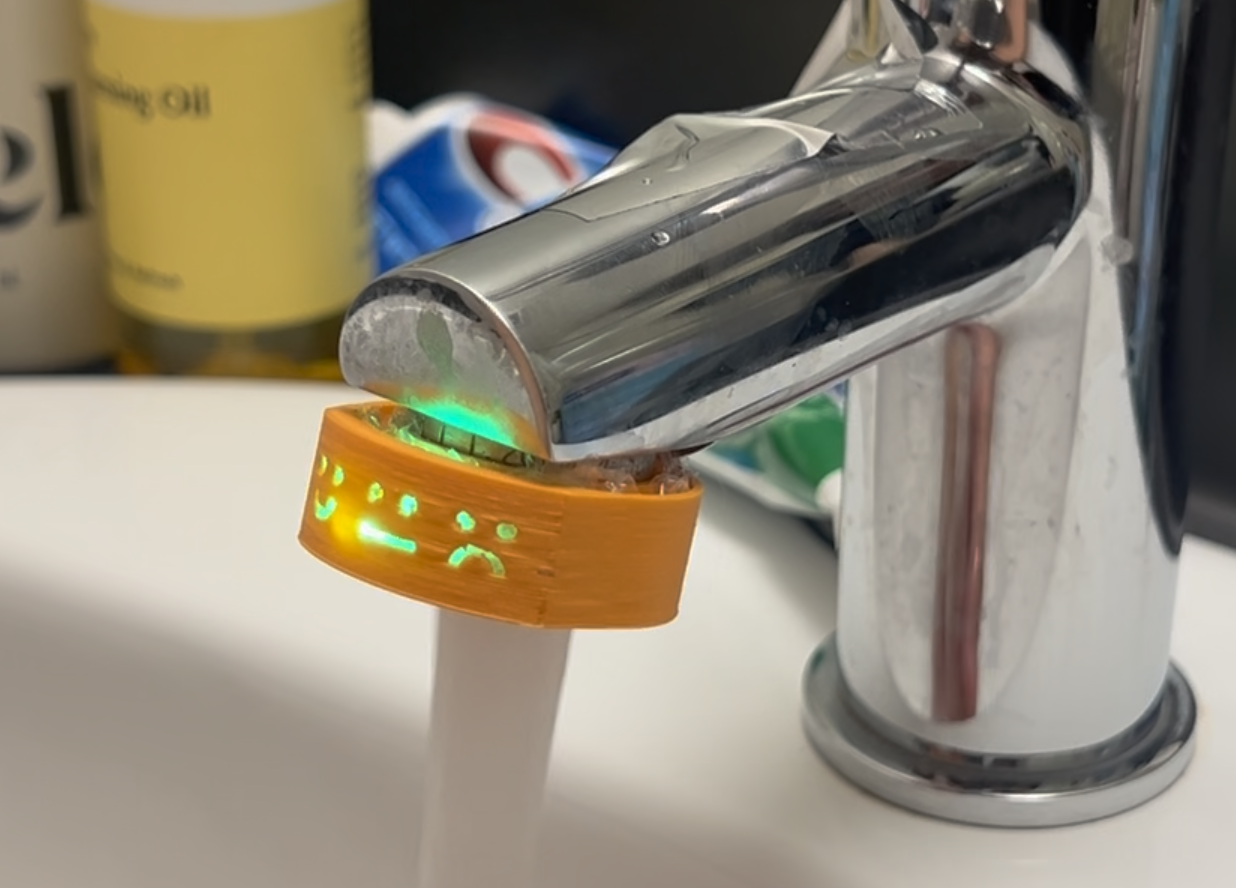
Invisible Waste
Invisible Waste
Most people leave the tap running longer than they need because water use is invisible. You turn it on, look in the mirror, and the stream keeps going.
For HCDE 351, our team drew on UN Sustainable Development Goal 6, clean water and sanitation, and focused on one everyday moment: the bathroom sink. Could a small, non-obtrusive attachment make people notice when water had been running too long?
See Your Water, Save Your Water
See Your Water, Save Your Water
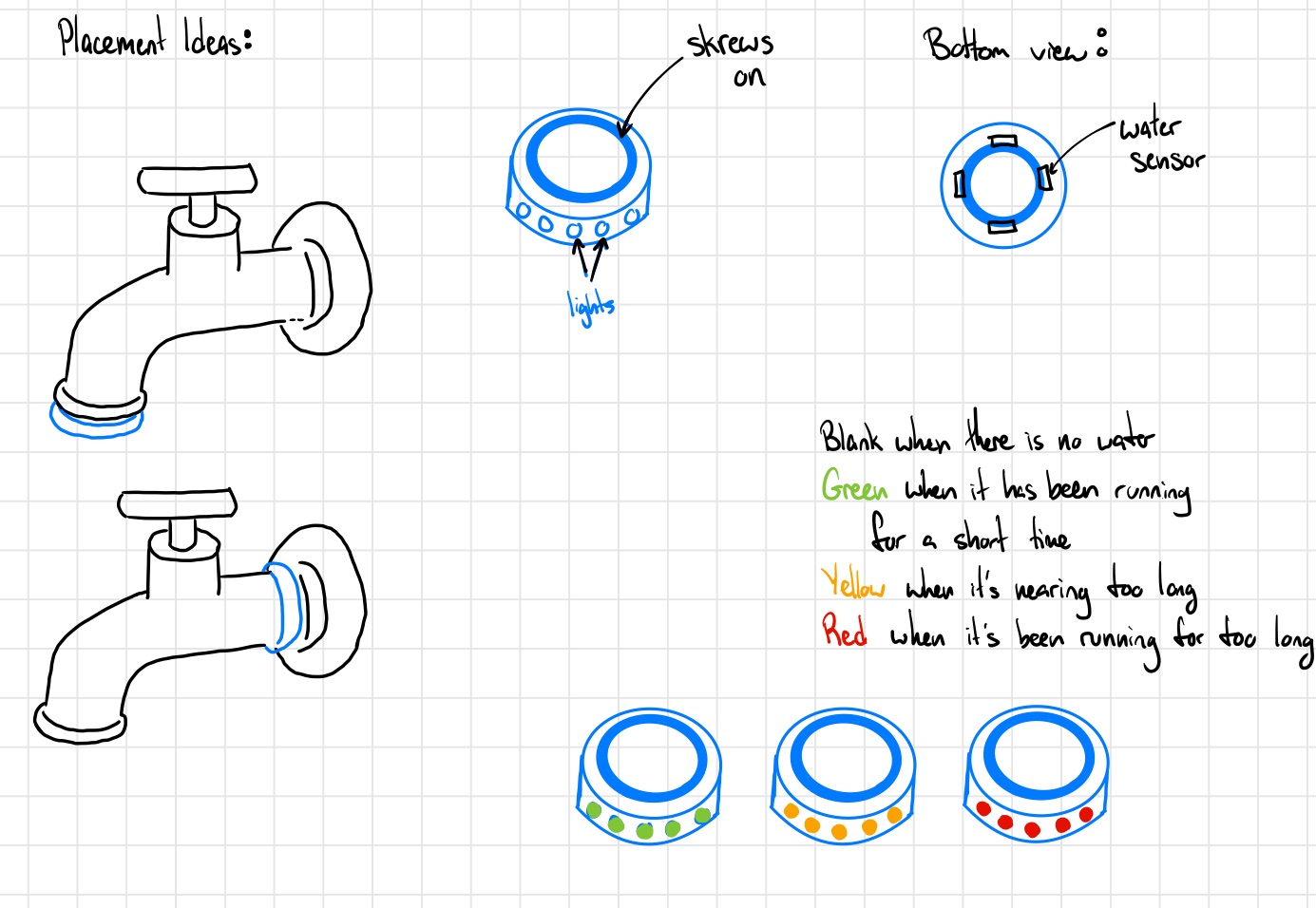
Glow Tap clips onto a faucet and uses light to signal when water should still run and when it is time to stop. Green means go, yellow means wrap up, red means turn it off now.
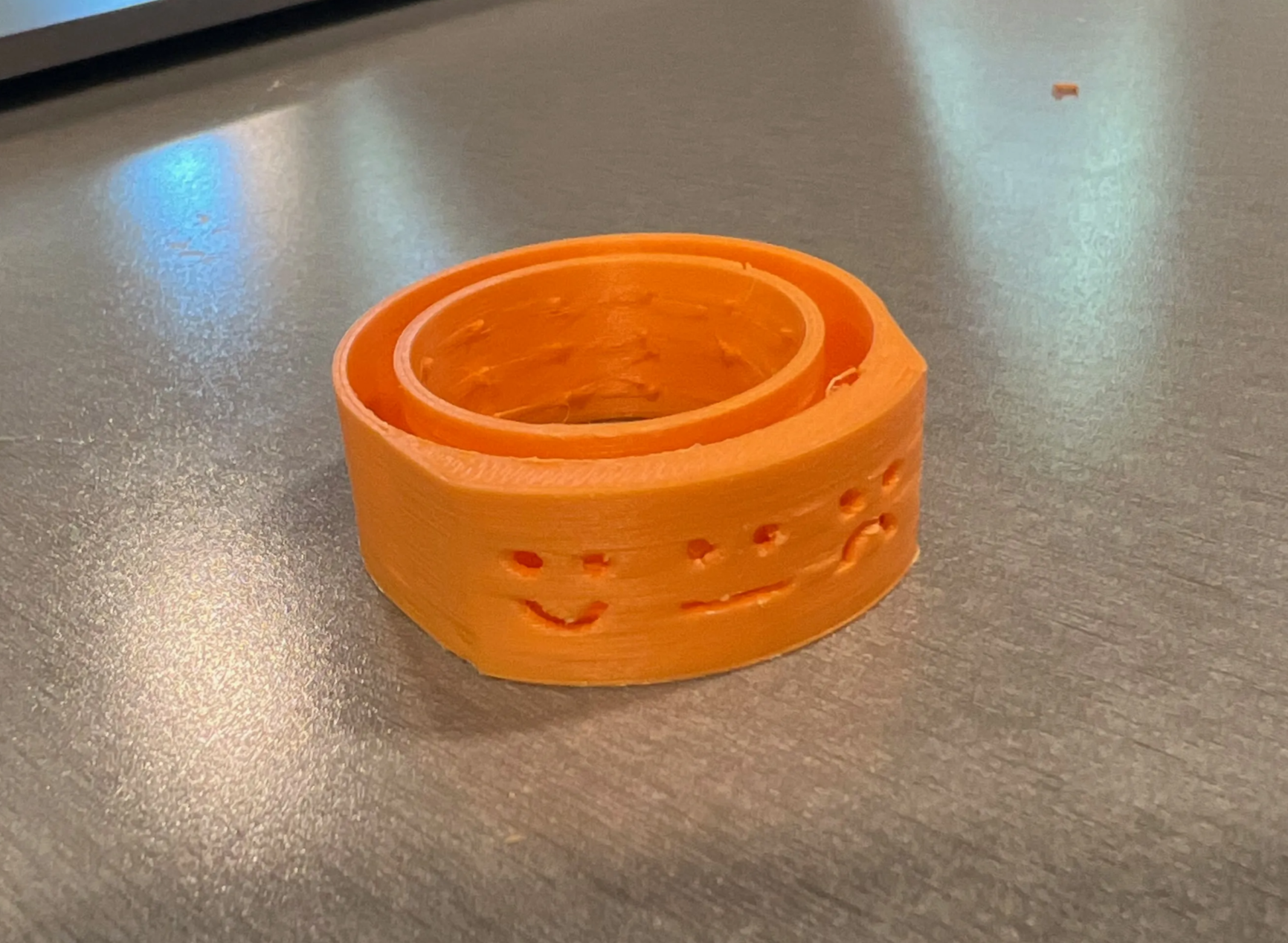
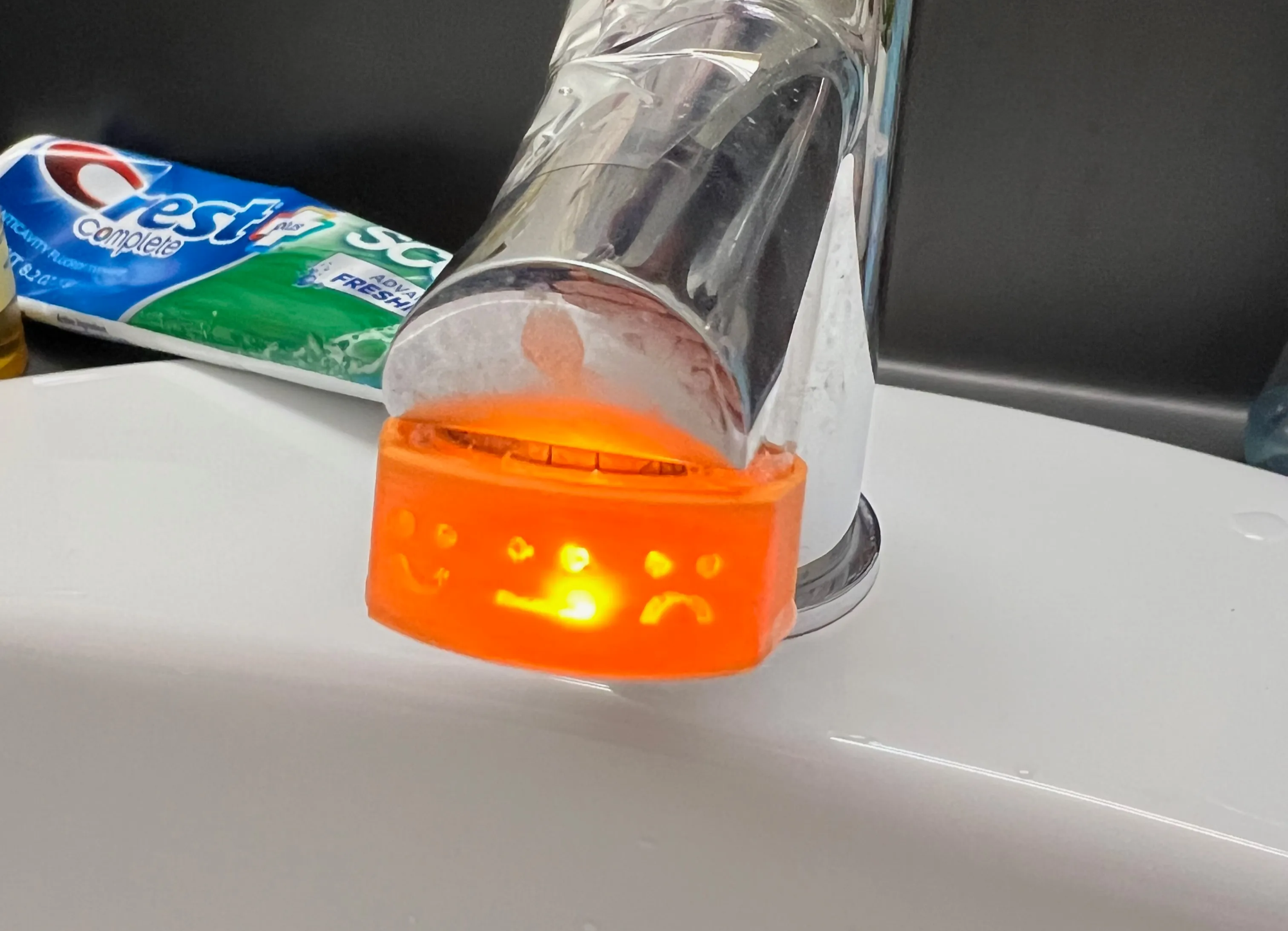
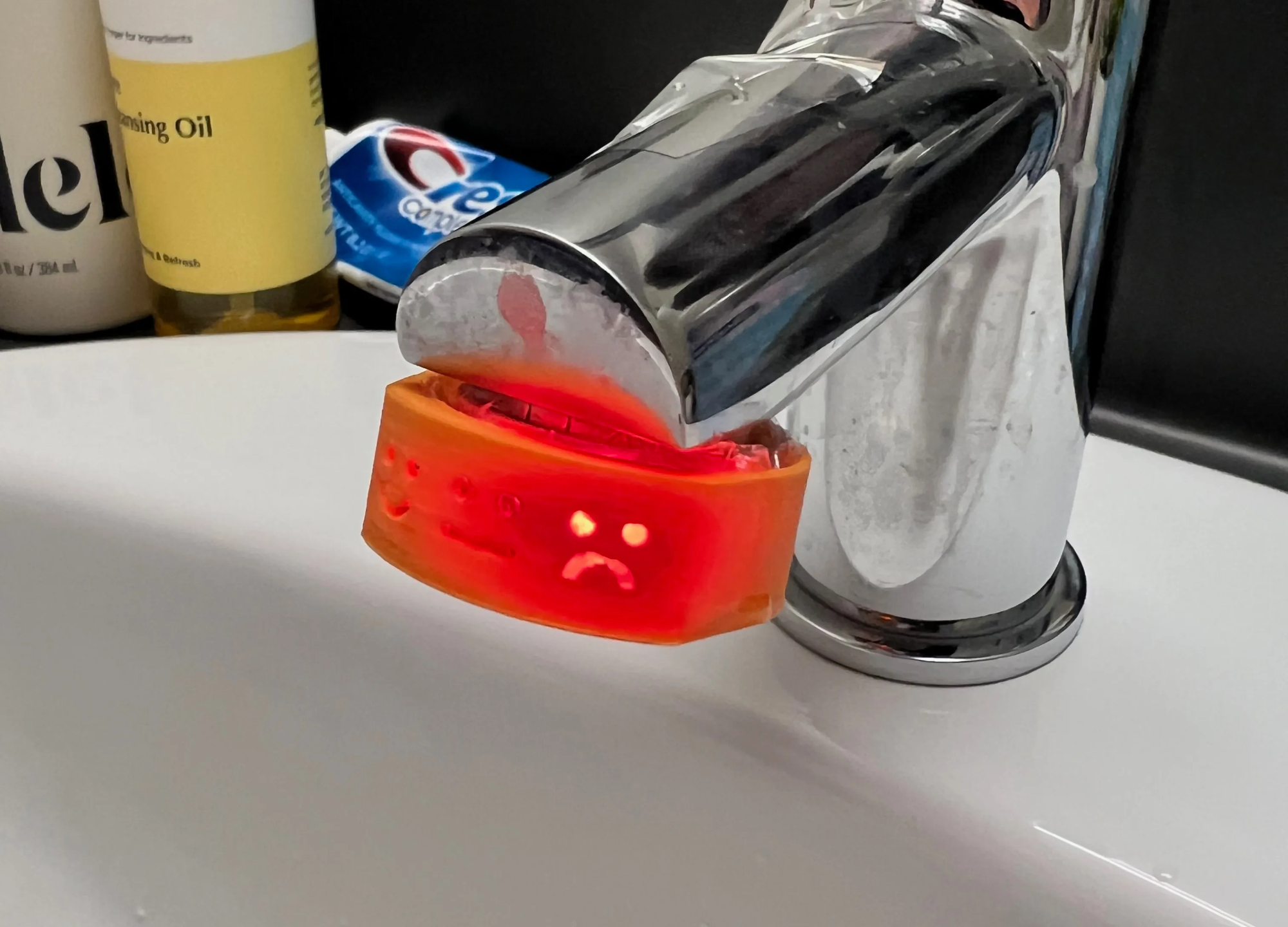
Smiley-face cutouts give each state an emotional read: happy, cautious, stop so the signal works even for people who struggle with color alone. Our prototypes tracked elapsed time rather than actual volume; a shipping product would need flow sensing.
Four Prototypes
Four Prototypes
Each round answered one question before we moved on: form, light language, fit, and behavior. We tested with real people at every stage except the first 3D sizing pass, which we evaluated as a team on the sink.
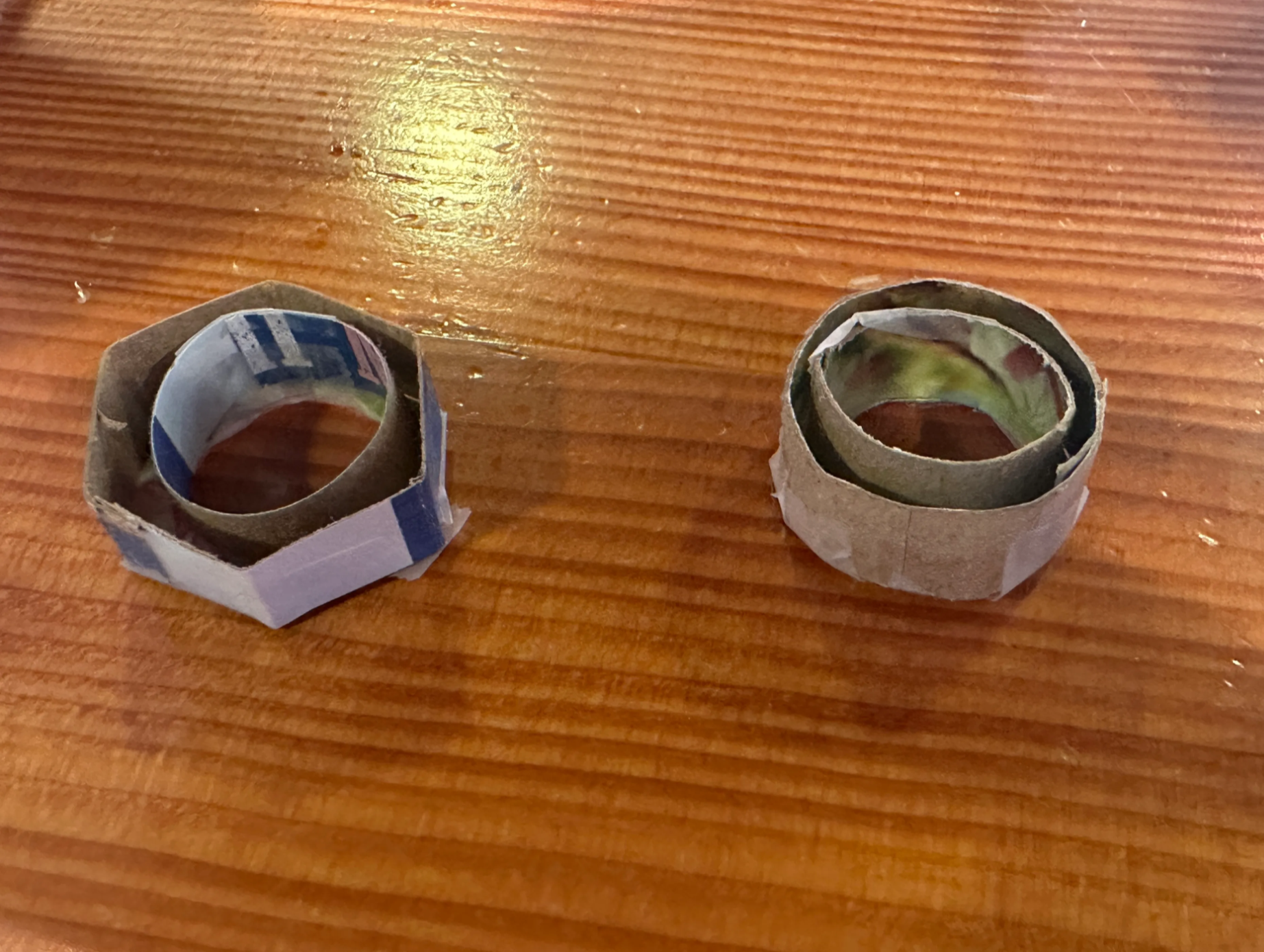
Prototype 1 · Cardboard
Which shape belongs on a faucet?
Chipboard models let us test attachment and feel without committing to print time. Circle beat hexagon because it was easier to attach, cleaner against the sink, and less bulky.
I like the circle shape better. It's easier to attach and looks cleaner.
Early test participant
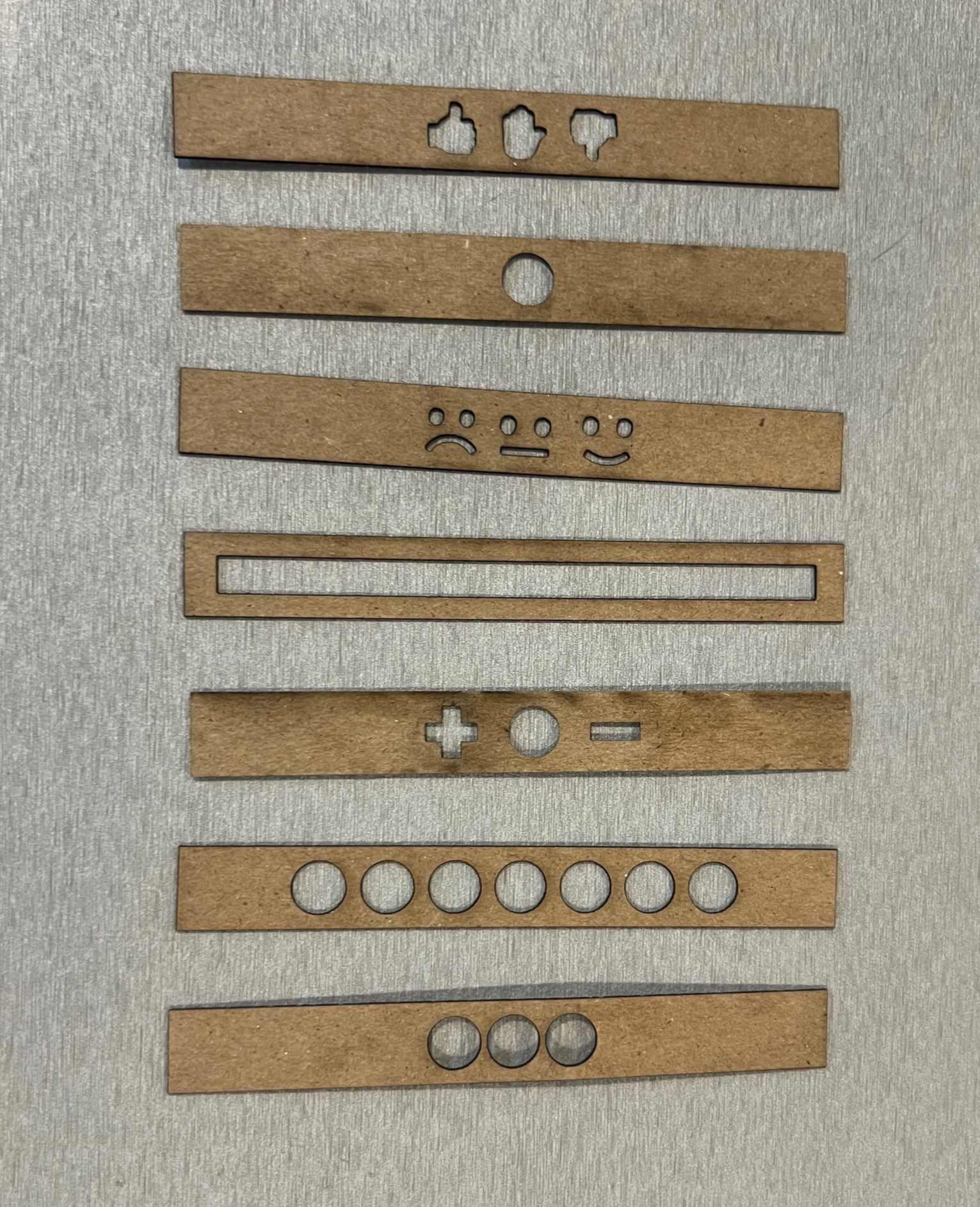
Prototype 2 · Laser-cut
Which light shape reads instantly?
Laser-cut face plates with colored tape simulated the LED states. Participants understood green, yellow, and red without explanation, but smiley faces won over plus/minus symbols, which some read as encouraging more water.
Prototype 3 · 3D print
Would it stay on through real use?
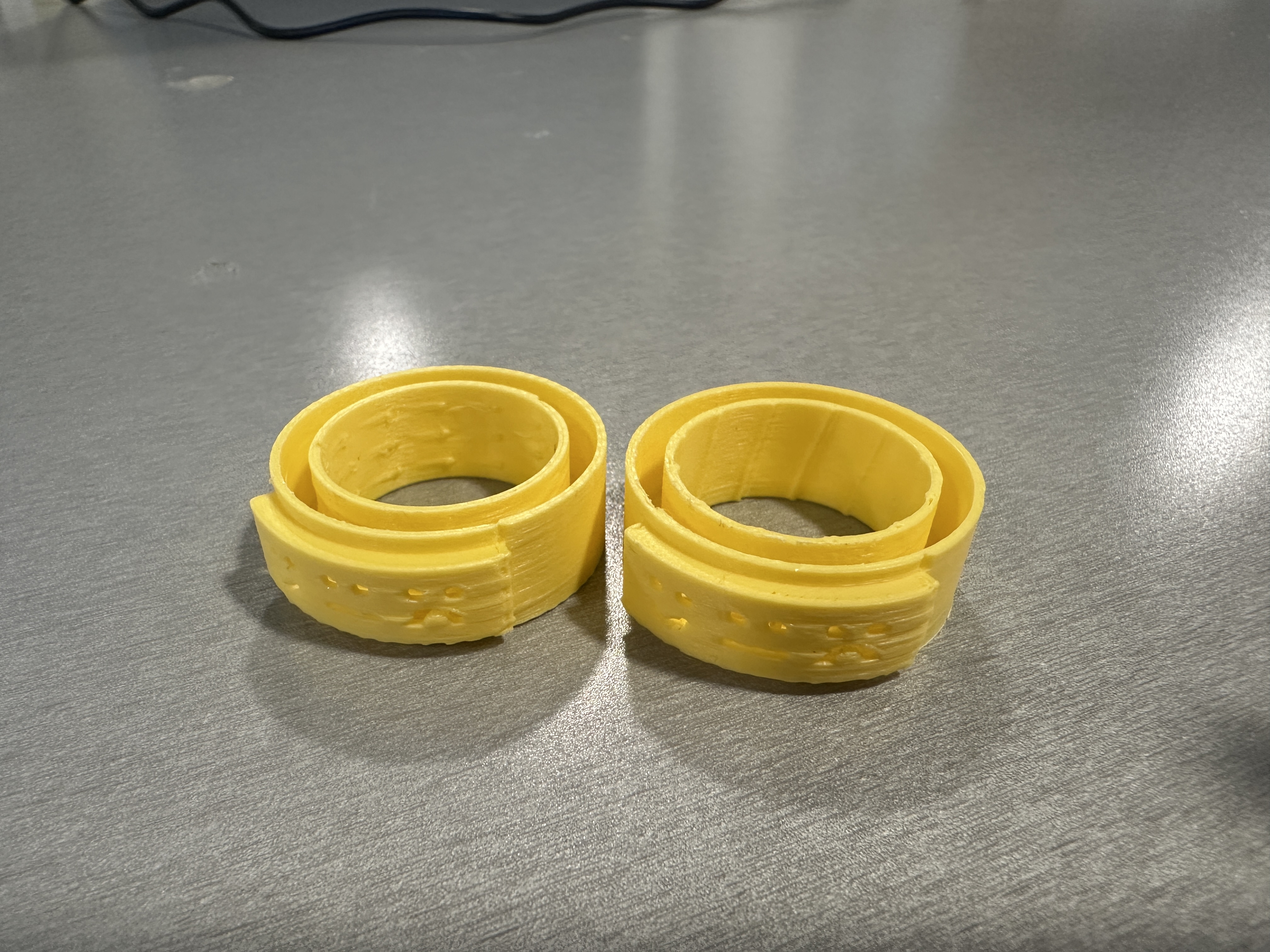
Three rounds of printing: sizing, interior grip, and final form before we had something that stayed on the faucet and could hold the lights.
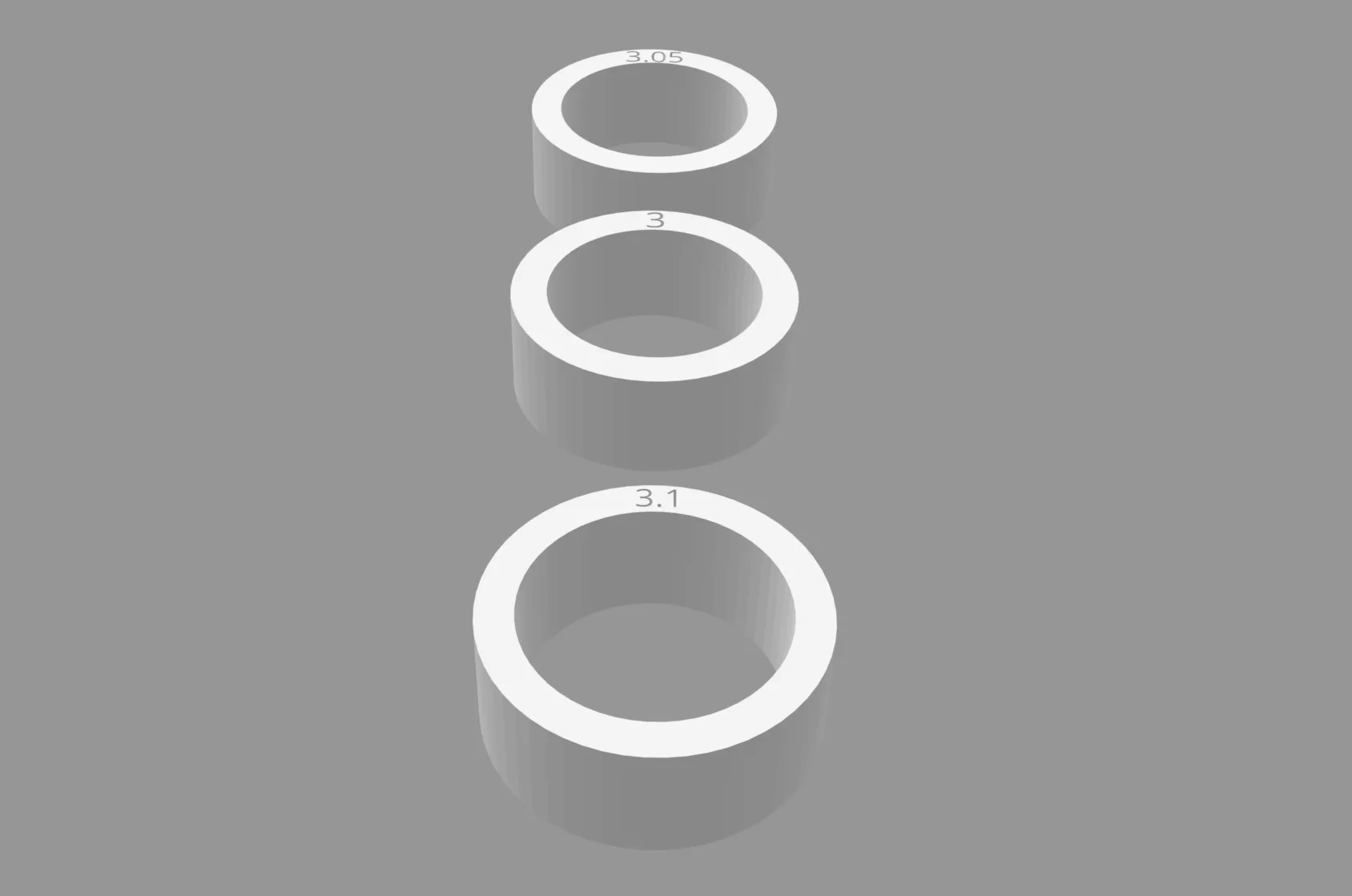
Round 1 · Sizing
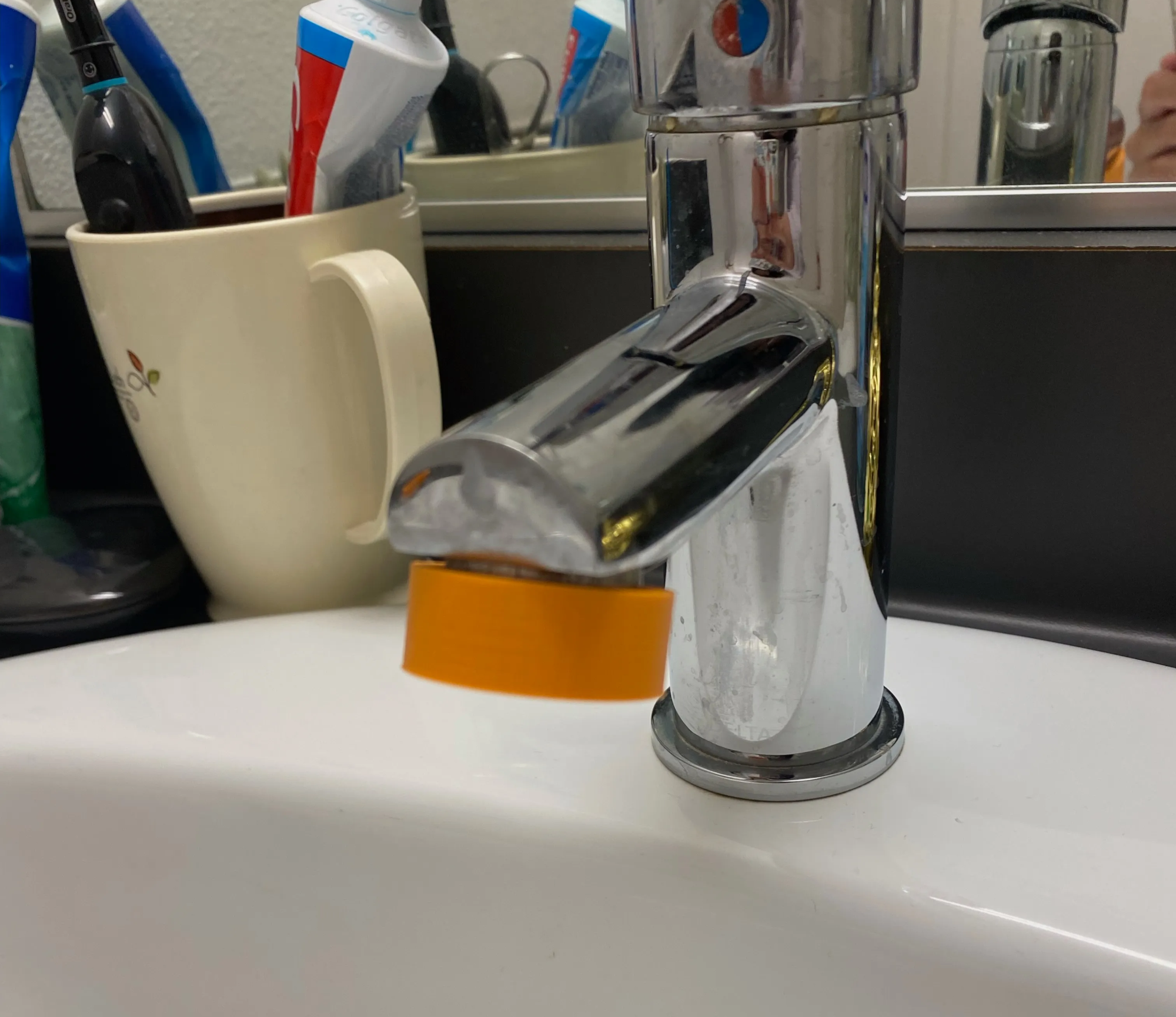
We printed three diameters in OnShape — 3", 3.05", and 3.1" — and tested each on the sink.
Round 2 · Interior grip
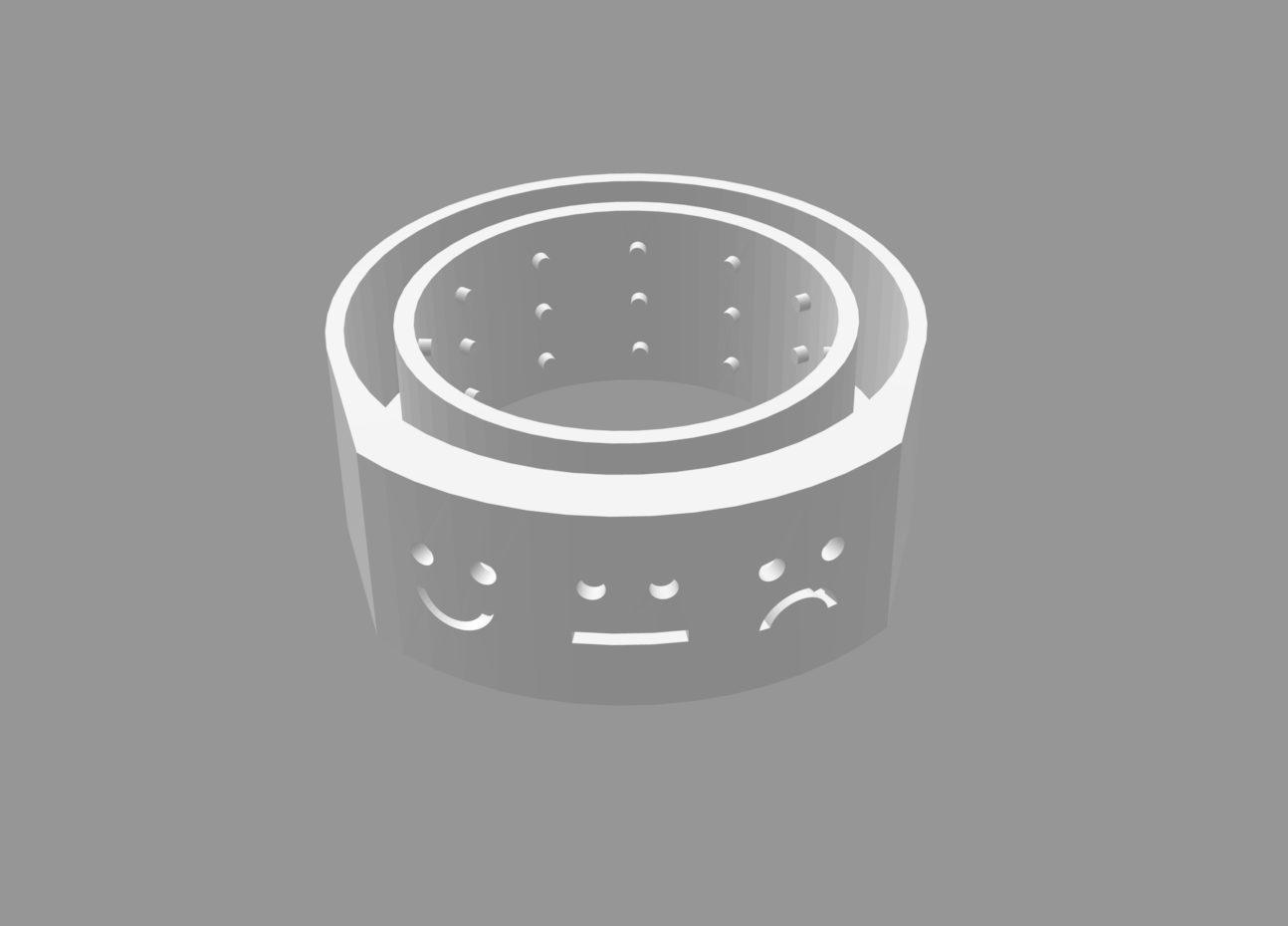
Smooth interior walls were the problem. We modeled dot and diagonal textures to see which would hold during water flow.
Round 3 · Final form
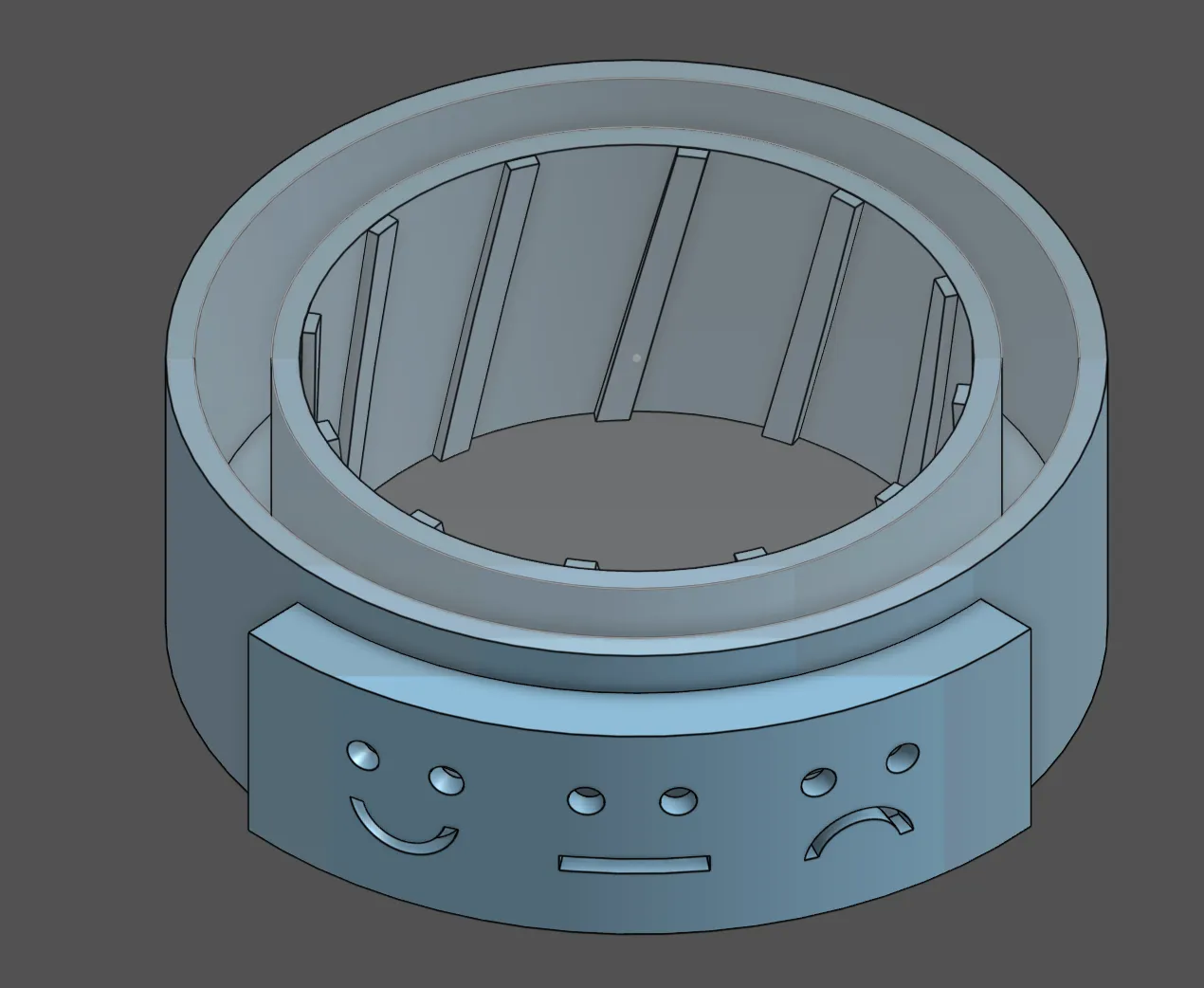
We combined the winning grip with an inner chamber for LEDs and the smiley-face cutouts from laser-cut testing.
Prototype 4 · Wizard of Oz
Would the lights actually change behavior?
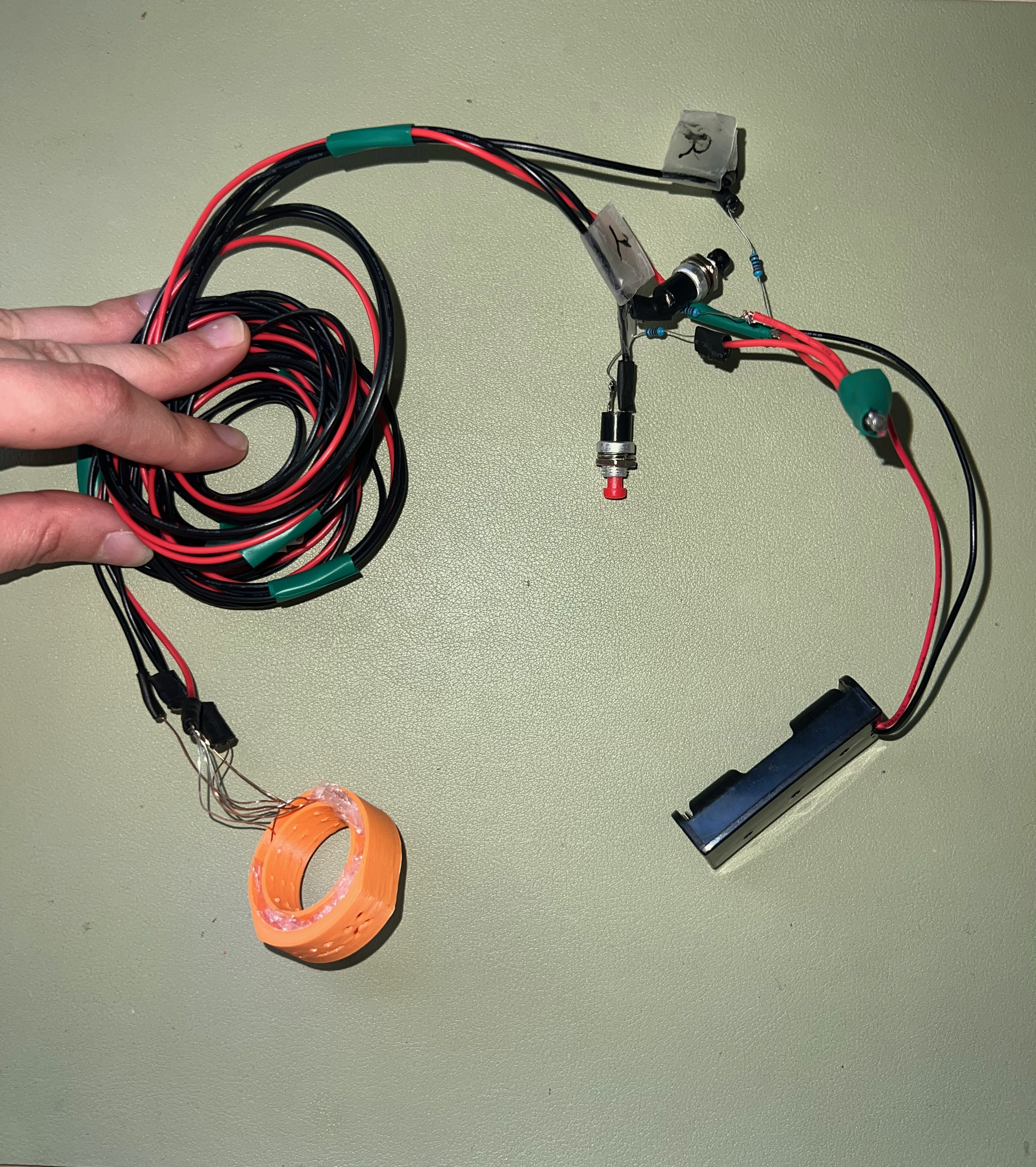
A working circuit with pico LEDs and a teammate controlling colors from below the sink for our behavioral test. The participant asked "It's yellow, do I stop?" and turned off the water at red without being told.
The smiley faces would be helpful for those who don't fully understand the lights.
Wizard-of-Oz test participant
Reflection
Reflection
What I learned
- Physical prototypes fail in ways screens don't! A 3D print that fits but slips off taught us more than a dozen renderings.
- People understood the light system very clearly. Color plus expression did the work because it covered both familiarity and clarity.
- Showcase feedback pushed us past "does it work?". Reviewers asked how the product would sense flow, whether red feels punitive, and how blind or low-vision users would read the signal.
What I'd do next
- Replace the time proxy with real flow sensing and define exactly when green becomes yellow becomes red.
- Design for accessibility beyond color: haptics, patterns, or audio cues for blind and low-vision users.
- Test beyond the bathroom sink! Showers and kitchen taps are where water adds up fastest.
This was my first time building something you could hold, solder, and put on a real faucet, and I loved it. Glow Tap reminded me that good design isn't always on a screen.
HCDE 351 · Team: Darby Moore, Sophie Messer